Activation error? Activate by telephone
- In the Activation Wizard, select “I want to activate the software by telephone” and click Next.
- The wizard displays your Installation ID. To get your Confirmation ID, use our free tool: Get Confirmation ID.
- On that page, paste your Installation ID into the Installation ID field and enter your Tempcode (shown next to your product key in the delivery email).
- Click Get CID and copy the Confirmation ID you receive into the wizard’s Confirmation ID fields.
- Click Next — the wizard confirms successful activation, and Outlook 2021 Professional is fully licensed.
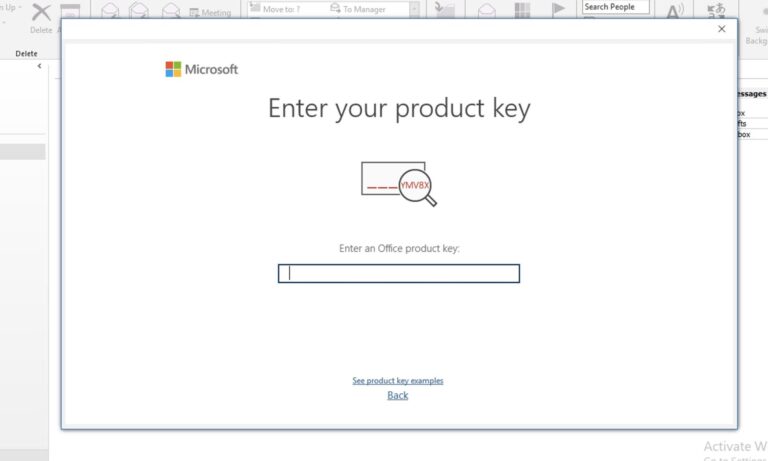
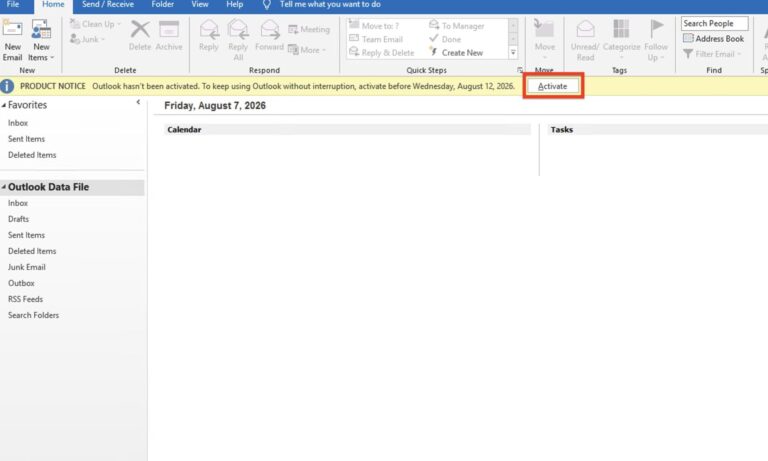
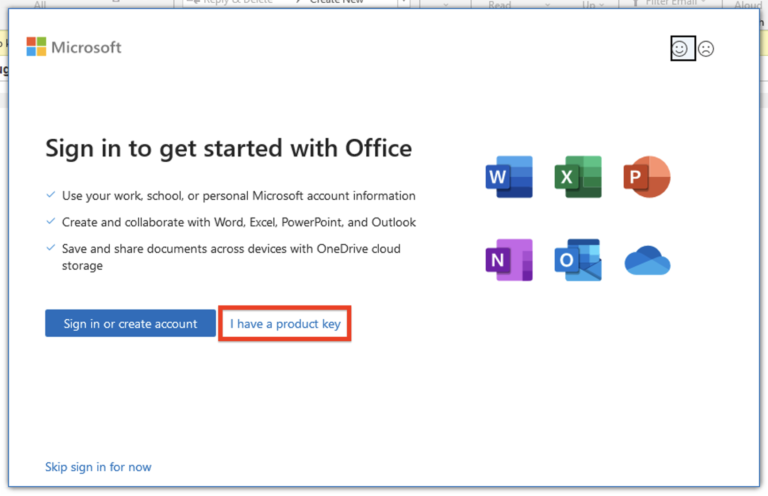
If the telephone activation process is not clear, you can find a demonstration of this step in
“Step 4 — Activate with Your Product Key” in our
Office 2021 Professional Plus Activation Guide
Frequently asked questions
Is Outlook 2021 Professional a one-time purchase?
Yes — a perpetual license for 1 PC. Pay once, use it for life, no subscription or renewal fees.
What is a .img file and is it safe?
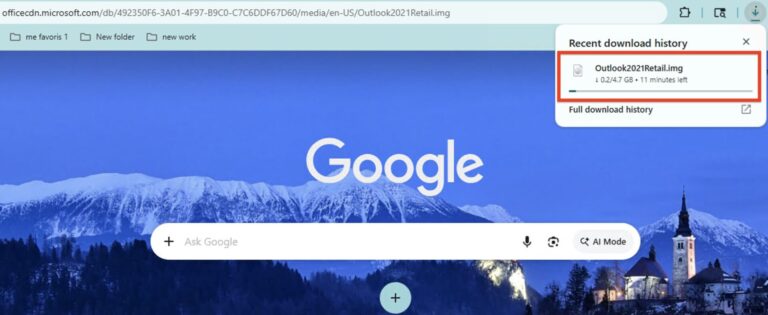
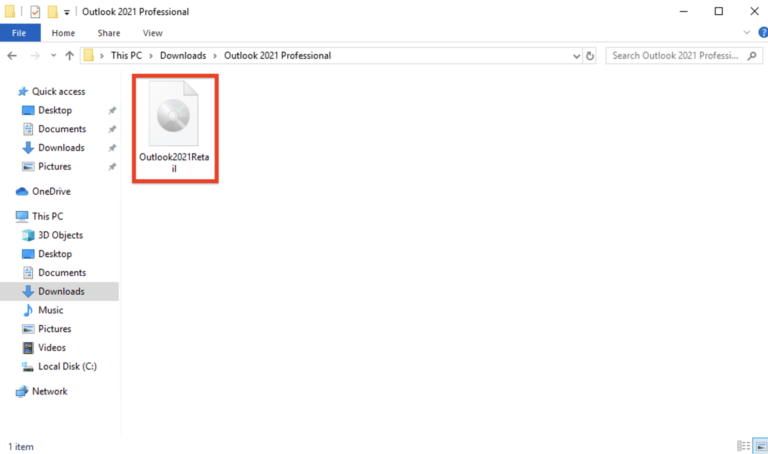
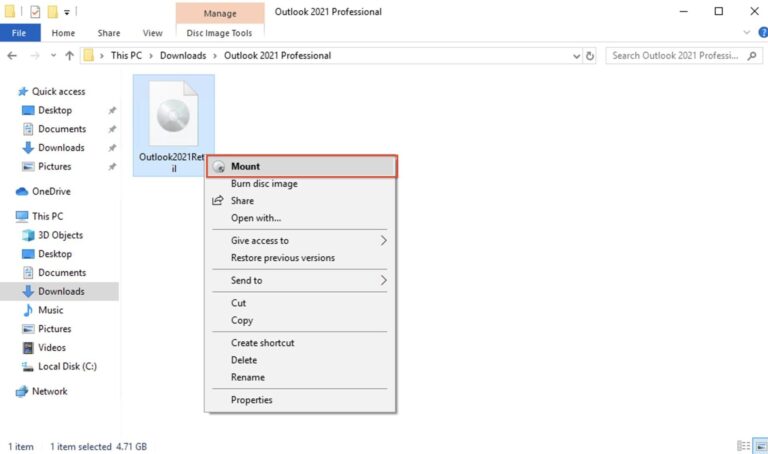
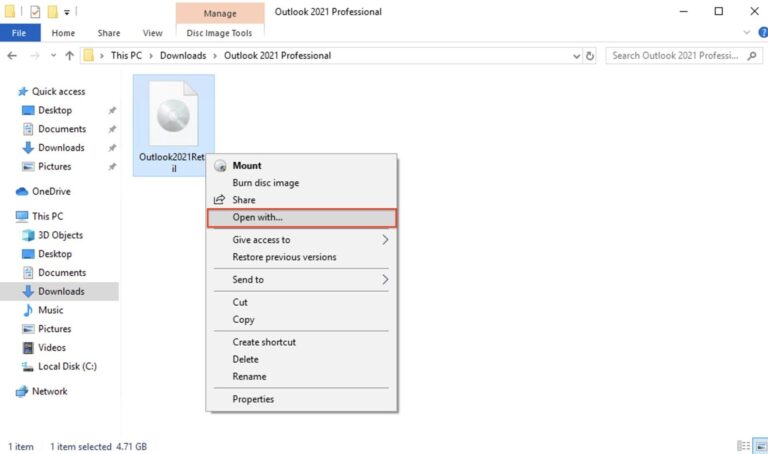
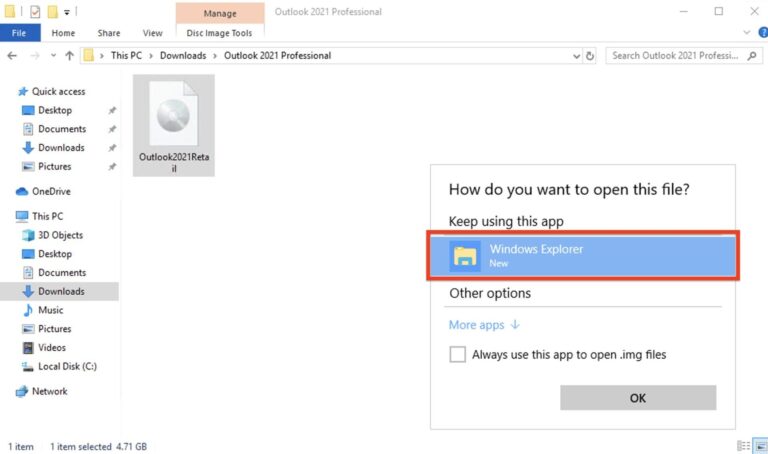
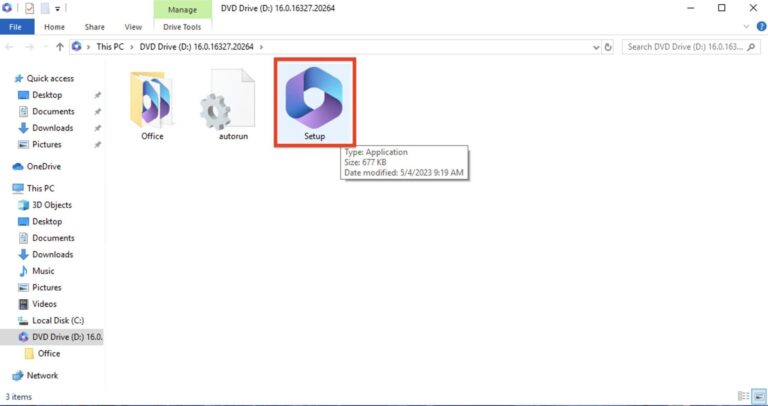
A .img file is a disk image — the same format Microsoft uses to distribute Office installers. Windows 10 and 11 mount it natively as a virtual DVD; you install directly from it and eject it afterwards. Downloaded from your delivery link, it’s the complete official installer.
Do I need a Microsoft account?
No — Outlook 2021 activates with your product key directly, including fully offline via the telephone method. No account sign-in is required at any point.
Does Outlook 2021 include Word and Excel?
No — it’s the standalone Outlook app. For the full suite, an
Office 2021 product key includes Outlook alongside Word, Excel, PowerPoint and more.
Can I reinstall Outlook 2021 later?
Yes — keep your delivery email. Download the .img from the same link, reinstall.
For reactivation, you will need to purchase a new product key. If you need any assistance, our support team is always ready to help and responds quickly.
Does it work with Gmail and other providers?
Yes — Outlook 2021 supports Outlook.com, Gmail, Yahoo, iCloud, and any standard IMAP/POP or Exchange account.
Get your Microsoft Outlook 2021 key
Genuine product key with instant email delivery — download link and installation steps included in every order. One-time purchase, lifetime activation.
Buy Outlook product key