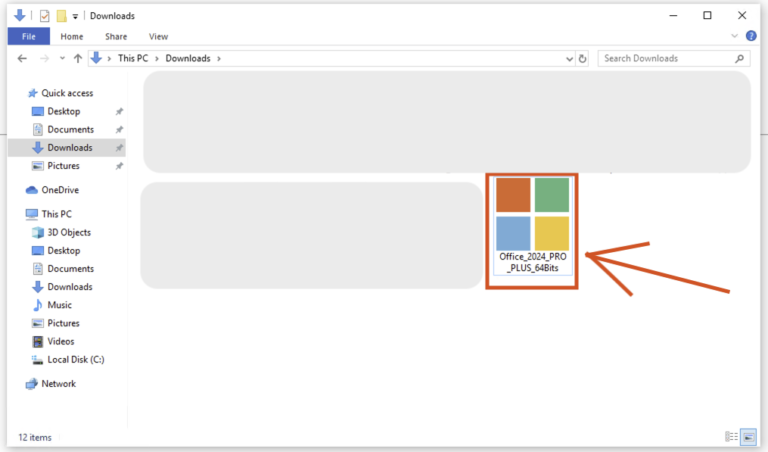
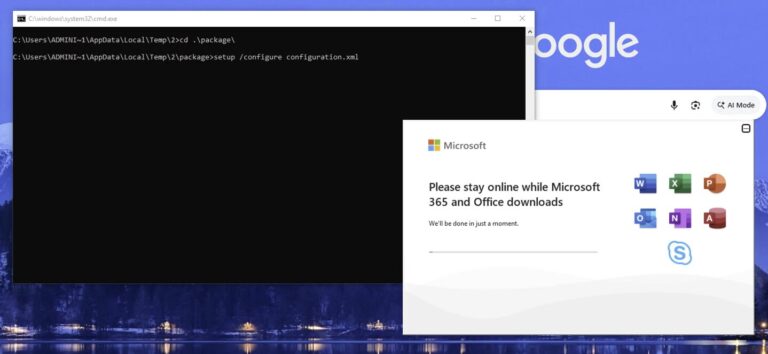
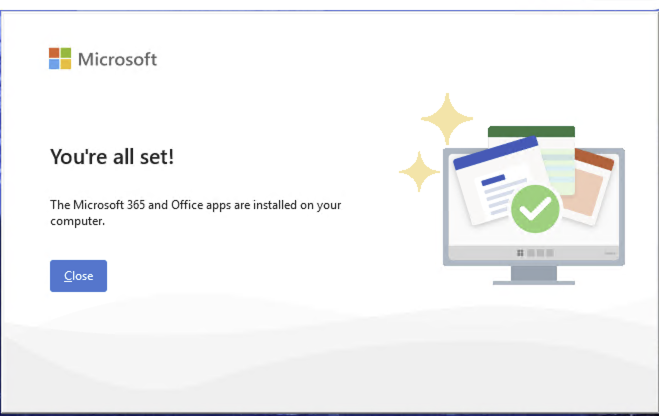
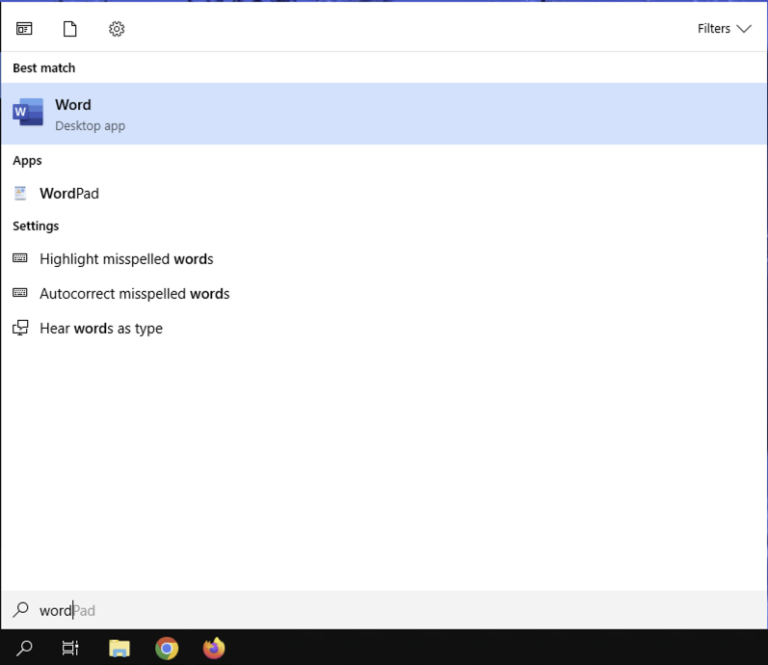
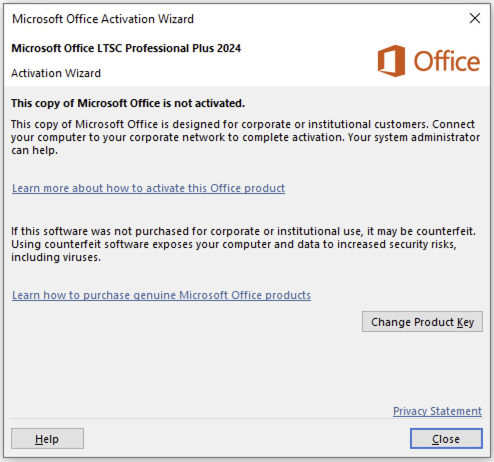
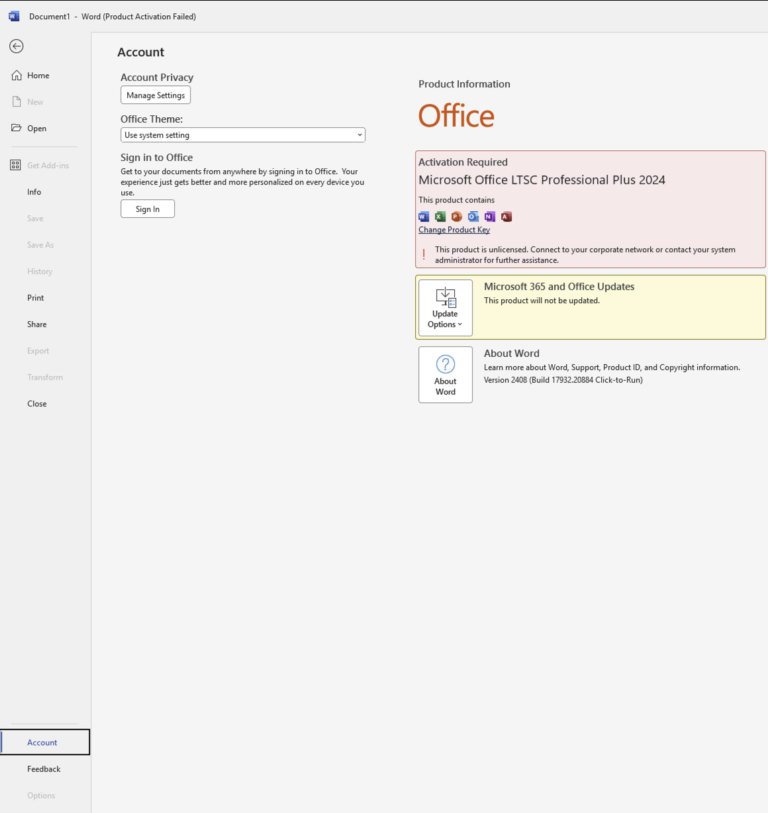
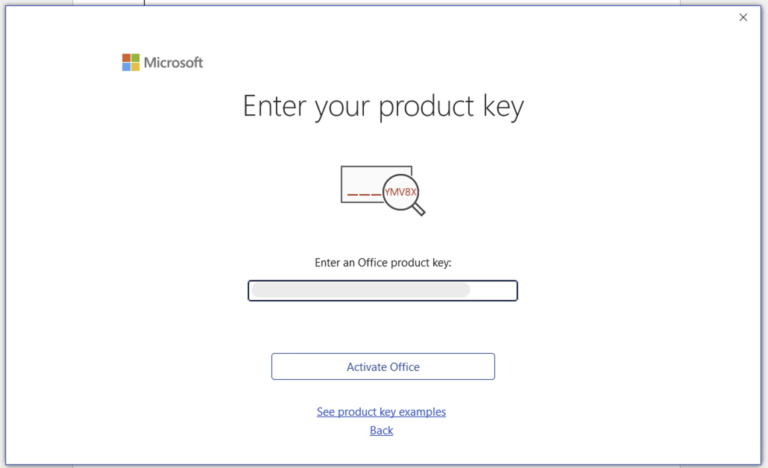
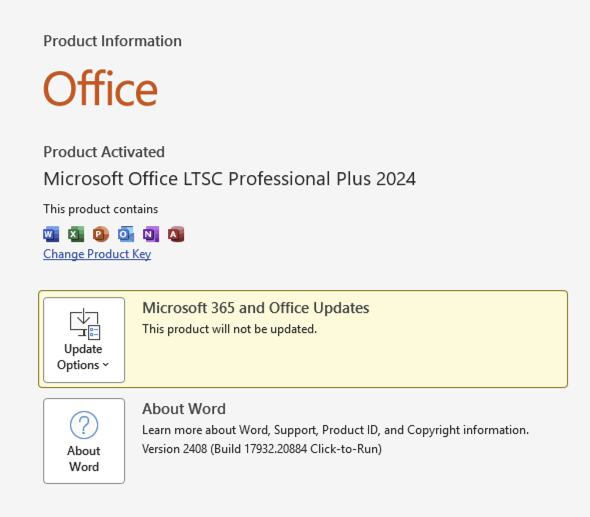
Step 4 — Start using Office 2024 LTSC Pro Plus
That’s it — your Office 2024 Professional Plus is fully installed and activated for life. No renewals, no subscription, and it works offline from here on.
Alternative method — install with the Office Deployment Tool
If you prefer installing directly from Microsoft’s servers, you can use the free Office Deployment Tool instead:
- Download the ODT from the official Microsoft Download Center and extract it to a folder like
C:\Office2024Setup. - Create a
configuration.xml file in that folder with Notepad:<Configuration>
<Add OfficeClientEdition="64" Channel="PerpetualVL2024">
<Product ID="ProPlus2024Volume" PIDKEY="XXXXX-XXXXX-XXXXX-XXXXX-XXXXX">
<Language ID="en-us" />
</Product>
</Add>
<RemoveMSI />
<Display Level="None" AcceptEULA="TRUE" />
<Property Name="AUTOACTIVATE" Value="1" />
</Configuration>Replace the Xs with your product key.
- Open Command Prompt as administrator and run:
cd C:\Office2024Setup
setup.exe /configure configuration.xml
- Office installs silently in the background — it’s done when the apps appear in your Start menu, and the key in the configuration file activates automatically.
Frequently asked questions
What does LTSC mean in Office 2024 LTSC Pro Plus?
Long-Term Servicing Channel — a stable release that receives security updates only, with no feature churn or forced upgrades. It’s the version businesses choose for reliability.
Is Office 2024 Professional Plus a lifetime license?
Yes. It’s a perpetual one-time purchase — no expiry date, no renewal fees, no subscription.
Do I need a Microsoft account?
No. Office 2024 LTSC Pro Plus activates with your product key directly — no account sign-in required at any point.
Can I install it on a Mac?
No — it runs on Windows 10 and 11 only. For Apple devices, see our Office for Mac keys.
Can I use one key on multiple PCs?
Each key activates one device. For several machines, you need one key per PC — for bulk orders, contact us via the contact page for volume pricing.
Does Office work offline after activation?
Yes — internet is only needed for the download and activation. After that, the full suite works completely offline.
Get your Office 2024 Professional Plus key
Genuine product key with instant email delivery, download link included, lifetime activation and no subscription.
Buy Office 2024 Pro Plus key