Frequently asked questions
How does a 5 PC license key work for Microsoft Office 2010 Professional Plus?
A 5 PC license key is a multi-device commercial product key configured to allow up to 5 separate activations on 5 individual Windows computers. Each PC gets its own complete, independent installation of ms office professional plus 2010.
Is Office 2010 Professional Plus a lifetime license?
Yes — a perpetual, one-time purchase with no expiry date, no renewal fees and no subscription.
What’s the difference between Office 2010 Standard and Professional Plus?
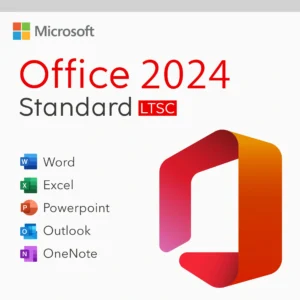
Professional Plus adds Microsoft Access on top of Standard’s Word, Excel, PowerPoint, Outlook and OneNote. If you don’t need a desktop database, Standard covers everything most users touch daily.
Do I need a Microsoft account?
No — Office 2010 Professional Plus activates with your product key directly, and the telephone method works entirely without an account.
Can I install it on a Mac?
No — it runs on Windows XP and higher only. For Apple devices, see our Office for Mac keys.
What applications are included in Microsoft Office 2010 Professional Plus?
Each of your 5 licensed computers receives full desktop versions of Word 2010, Excel 2010, PowerPoint 2010, Outlook 2010, Access 2010, Publisher 2010, OneNote 2010, InfoPath 2010, and SharePoint Workspace 2010.
Does Office work offline after activation?
Yes — internet is only needed for the download and activation. After that, the full suite works completely offline.
Get your Office 2010 Professional Plus key
Genuine product key with instant email delivery, download link included, lifetime activation and no subscription.
Buy Office 2010 keys