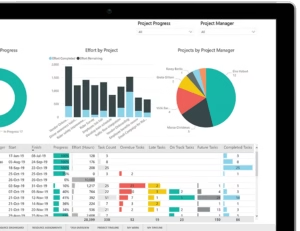
 Microsoft Project Professional 2021 is a powerful project management tool designed to help you plan, manage, and execute projects efficiently. Whether you’re a beginner or an experienced project manager, this guide will walk you step-by-step through downloading, installing, and activating Project Professional 2021.
1. Check System Requirements
Before installing Project Professional 2021, make sure your computer meets the minimum system requirements:
| Requirement | Minimum |
|---|---|
| Operating System | Windows 10 or later |
| Processor | 1.6 GHz or faster, 2-core |
| RAM | 4 GB (64-bit), 2 GB (32-bit) |
| Hard Disk | 4 GB available space |
| Display | 1280 x 768 resolution or higher |
| Internet | Required for download, activation, and updates |
Meeting these requirements ensures smooth installation and optimal performance.
2. Download the Installation Media
To install Project Professional 2021, you will need the official installation files. Once you purchase your license from FLIXEASY, we will send you a secure download link immediately.
Buy your Project Professional 2021 license here:
Project Professional 2021 Lifetime License
Follow the link, complete your purchase, and you’ll receive your download link and license key via email.
3. Install Project Professional 2021
 Open the download link you received after purchase.
Run the setup file and follow the on-screen instructions.
Choose the installation path (default is recommended).
Wait for the installation to complete.
The installation process is simple and user-friendly, requiring no advanced technical skills.
4. Activate Project Professional 2021
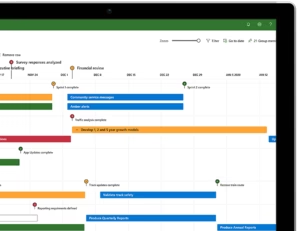 After installation, you need to activate your software to unlock full functionality:
Open Project Professional 2021.
Click File > Account > Activate Product.
Enter the license key you received from FLIXEASY.
Follow the prompts to complete activation.
Your software is now ready to use with full features, ensuring a lifetime license without subscription hassles.
Why Buy Project Professional 2021 from FLIXEASY
Instant delivery of download link and license key
Lifetime license with no recurring fees
Beginner-friendly setup guide included
Trusted and secure digital purchase
Take control of your projects and boost productivity with Project Professional 2021 today!
Buy your license now: Project Professional 2021 Lifetime License